Tools
Robot development tools
From understanding robots to servo sizing and protocol debugging.
Explore the robots
Solve a development task
ESP32 servo simulator
Run example firmware and inspect inputs and PWM.
FirmwareOpenServo torque calculator
Compare servo specifications for your load and supply.
Servo sizingOpenBus servo command builder and decoder
Build, check and decode Feetech packets.
Protocol debuggingOpenESP32 pin and PWM planner
Choose the exact board, reserve peripherals, then plan PWM outputs.
FirmwareOpenRobot setup and calibration preflight
Check configuration and file compatibility locally; physical calibration remains unverified.
Setup and calibrationOpenRobot power and BOM checker
Compare power paths and a parts list before working with hardware.
Power and BOMOpenGetting started
No matching tools
Try another task or clear the filters.
How the simulators work
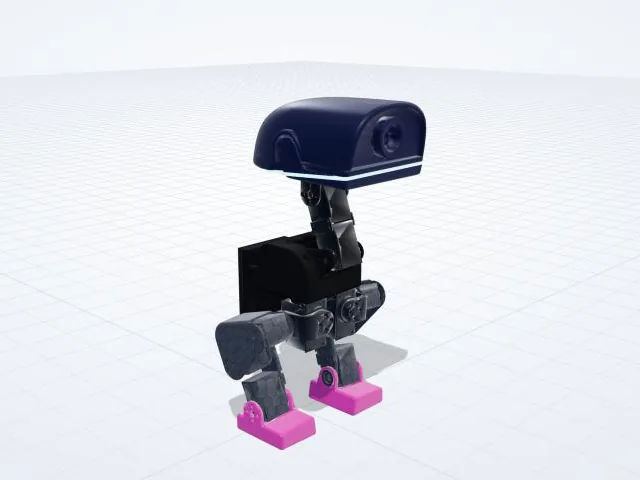
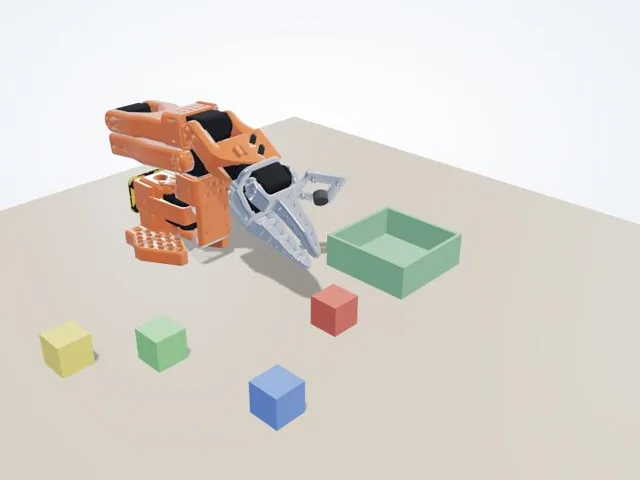
The physics is MuJoCo 4.0, the same engine robot researchers use, compiled to WebAssembly so it runs in your browser tab. The robots are the open models of the robot duck and of the SO-101 arm, with their real joints, masses and servo limits.
The AI moves are trained neural networks in ONNX format, run in the page with ONNX Runtime Web: walking policies for the duck and an ACT imitation-learning model for the arm. Models, meshes and policies you load from your own computer stay on your computer.
Questions
Do the simulators need a fast computer?
A recent laptop or phone is enough. The first visit downloads the physics engine and the robot models; after that your browser can cache them, so later visits usually start faster.
Can I test my own trained model?
Yes, for supported model and policy formats. A custom ONNX policy needs a policy_spec.json using robot-sim-policy/2 that declares inputs, outputs, joint order, units, normalization and control frequency. Supported adapters are one observation vector (joint-vector) and the SO-101 state-ACT contract with joint and scene states (so101-state-act). Image and recurrent policies are not supported. MuJoCo models, STL meshes and policy files are read in your browser and are not uploaded.
Is the simulator the same as the real robot?
Close, not identical. A policy that works in simulation can behave differently on the real robot because of friction, servo response and build differences, so test new models on a supported robot first.
