The control page does not open
Confirm the application is running. In Arduino App Lab, open Network Info for the selected board, then use its actual address and port 9527 for motion control. Your computer needs network access to the board.
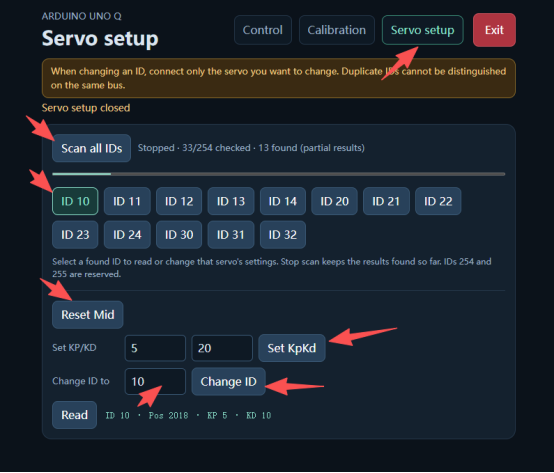
A servo is not detected
Connect just the servo you are setting up and run Scan all IDs in Servo setup. Compare the result with your recorded IDs before changing any settings.
The robot cannot stand after calibration
Check that every joint is calibrated and that the selected position is Default pose. If the robot cannot hold the expected posture, stop before starting to walk and check the joint setup.
Audio, camera or ToF does not work
Confirm that you have the full kit, that the module is present and that you are using the matching Microduck Robot AI setup. Check the AI cockpit for the module.
Contact support
Send the details below by WhatsApp or email so we can identify the step that failed.
- Kit edition, hardware revision and application or runtime version.
- The steps you took, what you expected and what happened.
- The exact error message and a screenshot of the relevant control or setup screen, if available.